Focus timer for iPhone
Close your phone.
Build a city.
Pick a length, then shut your iPhone Duo or turn any iPhone face down. A building goes up while it stays that way. Open it early and it falls.
- 7 days free
- No account
- Made for iPhone Duo

Try it
Fold it shut. Timer on.
This is the whole app. Drag the right half closed, or tap the phone. Here a session runs in eight seconds; in the app it's the real thing.


Open. Pick a length, then close it.
Three ways to start
Works on every iPhone.
The ritual changes with the phone you have. The rules don't.
-
Close it
On iPhone Duo, shutting the phone starts the timer. The countdown moves to the outer display.
-
Turn it over
On any other iPhone, lay it face down. The screen goes dark and the timer starts once it's been still for two seconds.
-
Start without closing
On a stand, or in a case that won't lie flat, start it by hand. Leaving the app still counts as opening it.
Your city
Longer focus.
Taller buildings.
Every finished session puts a building on your map, sized by how long you stayed. Each size comes in six styles, so no two cities look alike.
-


House
10–20 min
-

Shop
25–40 min
-
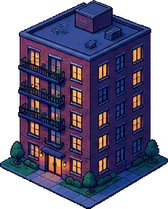
Apartments
45–55 min
-

Tower
60–89 min
-

Landmark
90–120 min
The rules
Open early, it falls.
The only thing standing between you and a finished building is not looking at your phone.
-
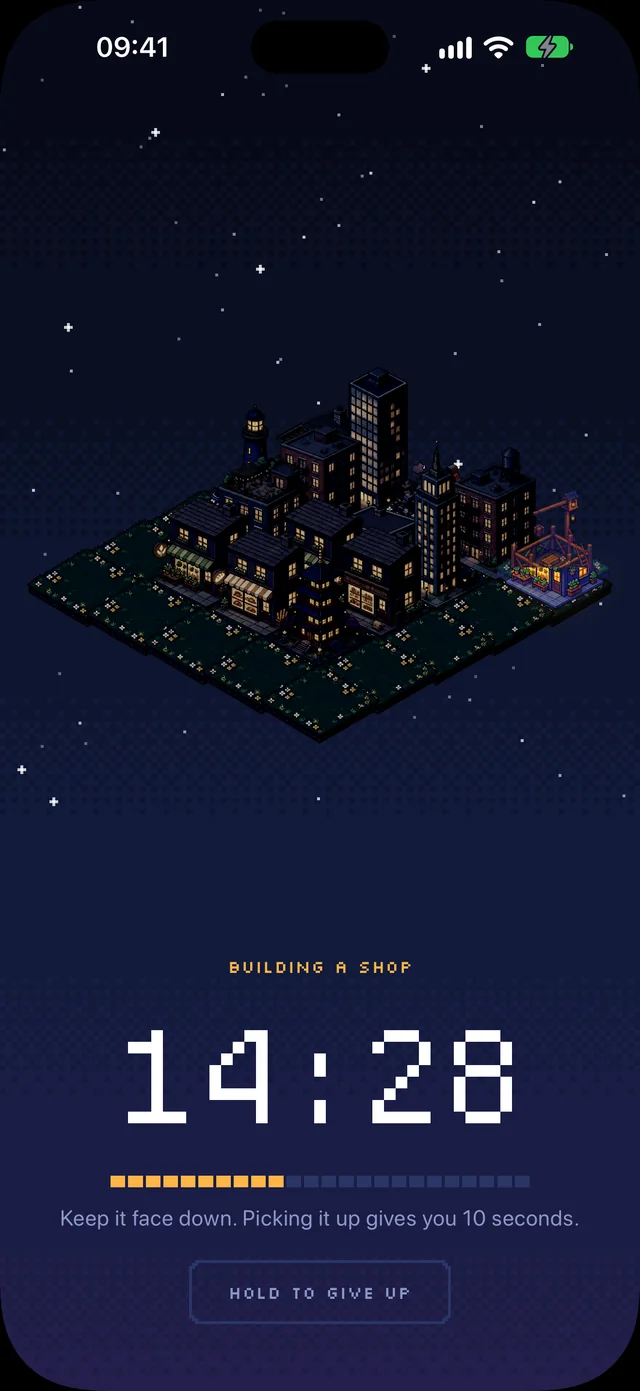
1 · Keep it closedThe building goes up floor by floor while the timer runs. -
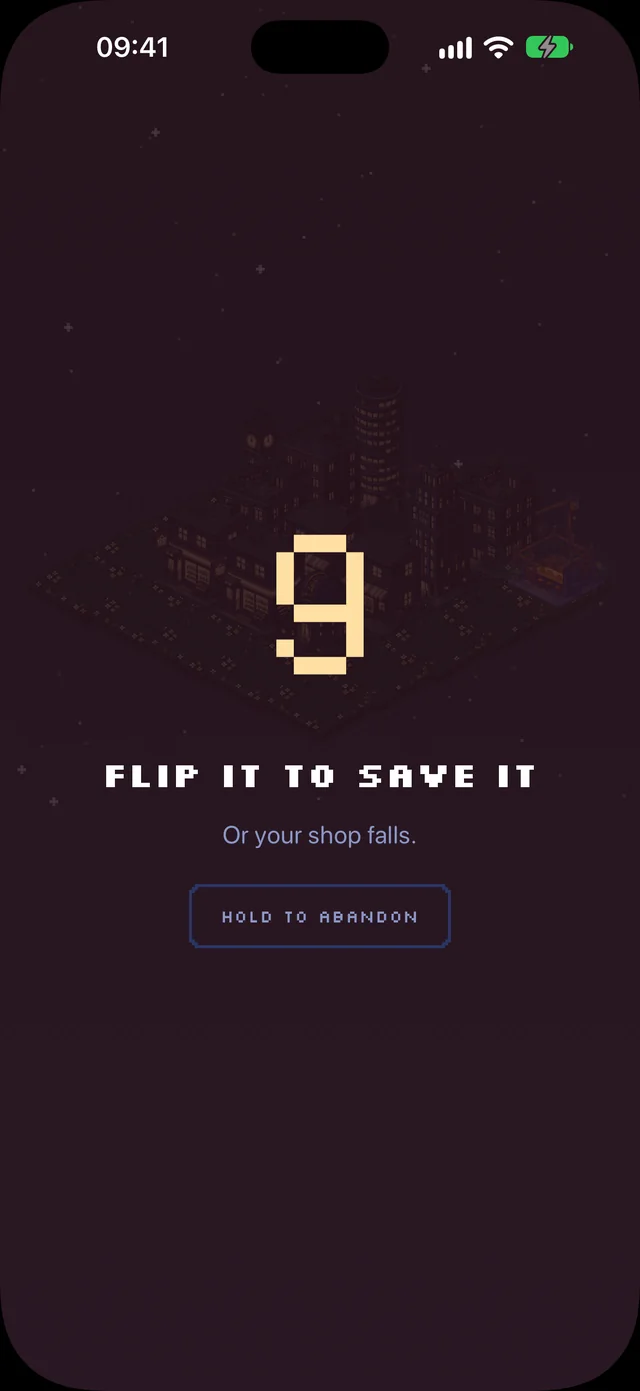
2 · Ten secondsOpened it by mistake? Close it again before the count runs out and nothing is lost. -
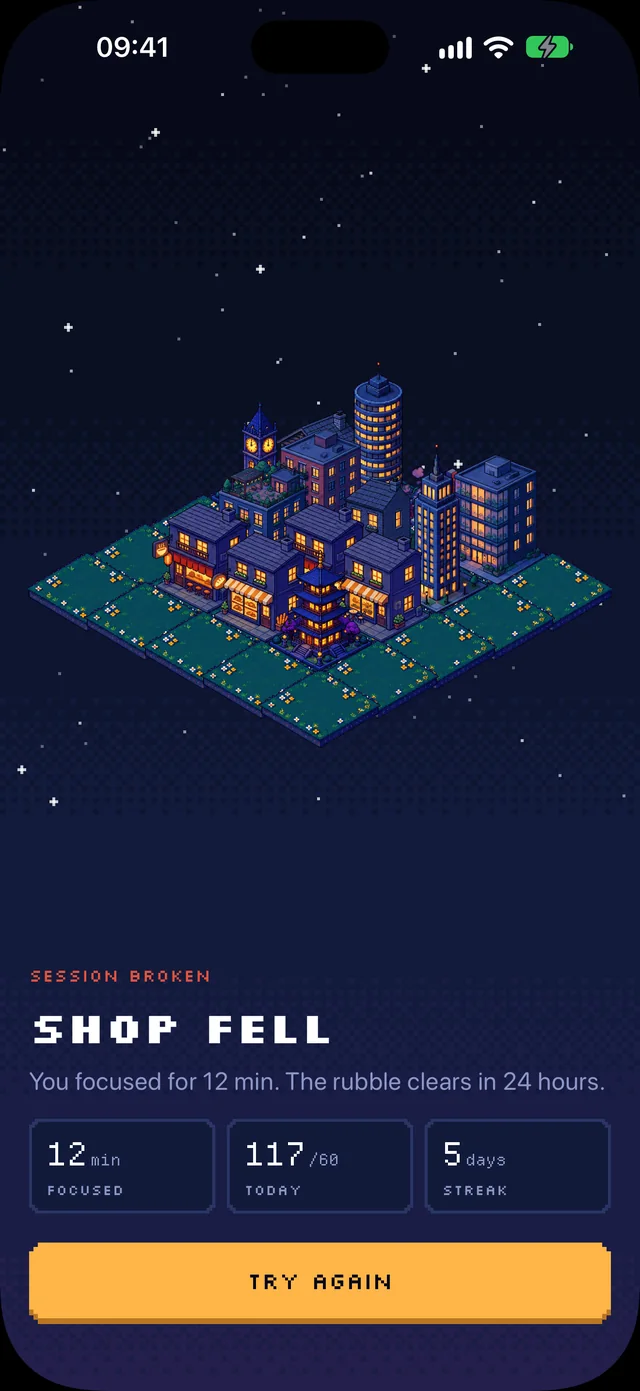
3 · Or it fallsLeave it open and the building collapses. The rubble stays on your map for a day.
Gave up in the first minute? That's a false start: it doesn't count and leaves no rubble.
Progress
Your focus,
added up.
- A daily goal
- Pick 30, 60 or 120 minutes a day. Hit it and your streak grows.
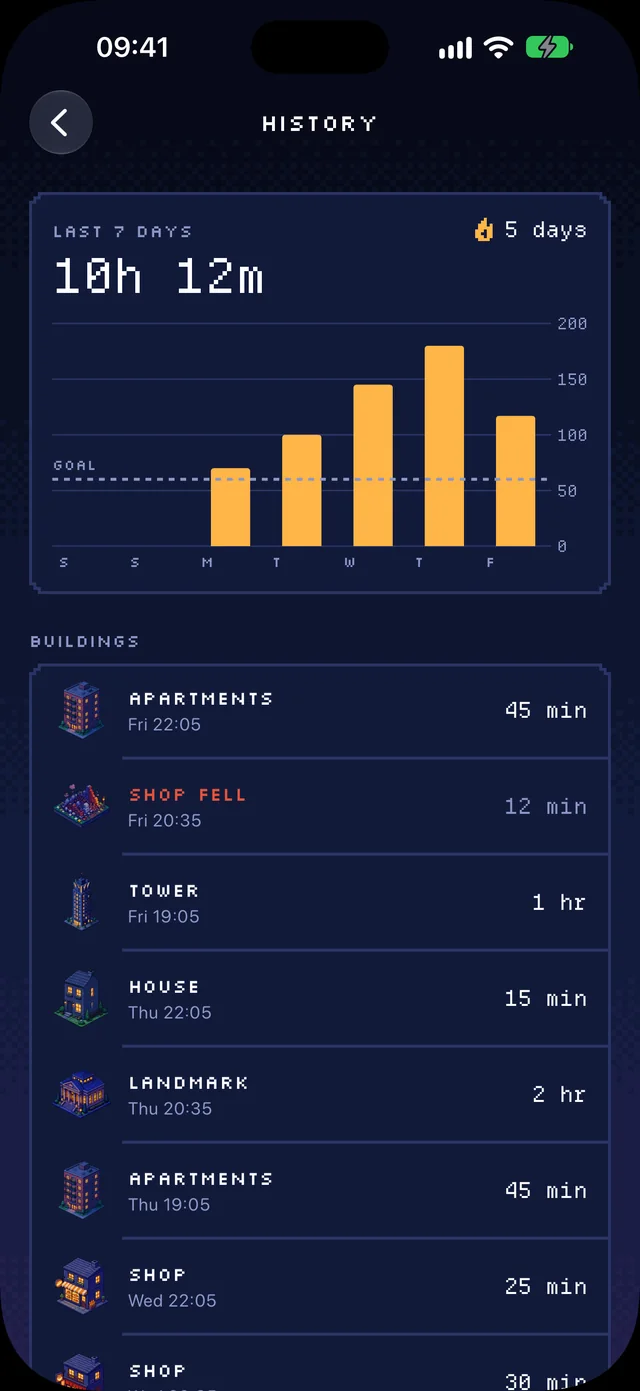
- A week at a glance
- Every day's focus as a bar, and every building with the session that raised it.
- Your city stays on your phone
- No account and no sign-up. Your sessions and your city live on your iPhone, and Settings → Delete all data wipes them.
- No app blocking
- FoldFocus never reads or locks your other apps. Opening your phone just costs you a building.
Pricing
One plan.
Your whole city.
Try everything free for a week. Then choose how you pay.
Best value
Yearly
$29.99 / year
$2.50 a month · 7 days free
Monthly
$5.99 / month
Cancel any time
- Unlimited sessions, 10 to 120 minutes
- Five building sizes, thirty styles
- Daily goal, streaks and history
- Every pose on iPhone Duo
US prices shown; the App Store shows yours. The free week comes with the yearly plan and renews into it unless you cancel at least 24 hours before it ends. With notifications on, the app reminds you two days before.
Questions
Good to know.
Do I need an iPhone Duo?
No. FoldFocus runs on any iPhone with iOS 18 or later. On iPhone Duo you close the phone to start; on every other iPhone you turn it face down. If neither suits you, start without closing.
What counts as opening it early?
On iPhone Duo, opening the phone. Face down, picking it up. In any mode, leaving FoldFocus without locking the phone. Locking the screen is fine: the timer keeps going.
What if I really need my phone?
Use it. You get ten seconds to put it back; after that, only the building you were working on falls. Everything you've already built stays standing.
Will it block my apps?
No. FoldFocus doesn't need Screen Time access and never looks at your other apps.
Do I need an account?
No. There's nothing to sign up for. Your city and your history stay on your iPhone. Read the privacy policy for the details.
How do I cancel?
Subscriptions are handled by Apple. Open Settings on your iPhone, tap your name, then Subscriptions, and choose FoldFocus. Cancel at least 24 hours before the free week ends and you won't be charged.
Something else? Get help.

Your first building is
25 minutes away.
Get it on the App Store
Launching 23 October 2026 · iOS 18 or later